 Project Converter Pro
Both directions
FCPXML to Premiere Pro XML, and Premiere Pro XML back to an FCPXML bundle, in a single app.
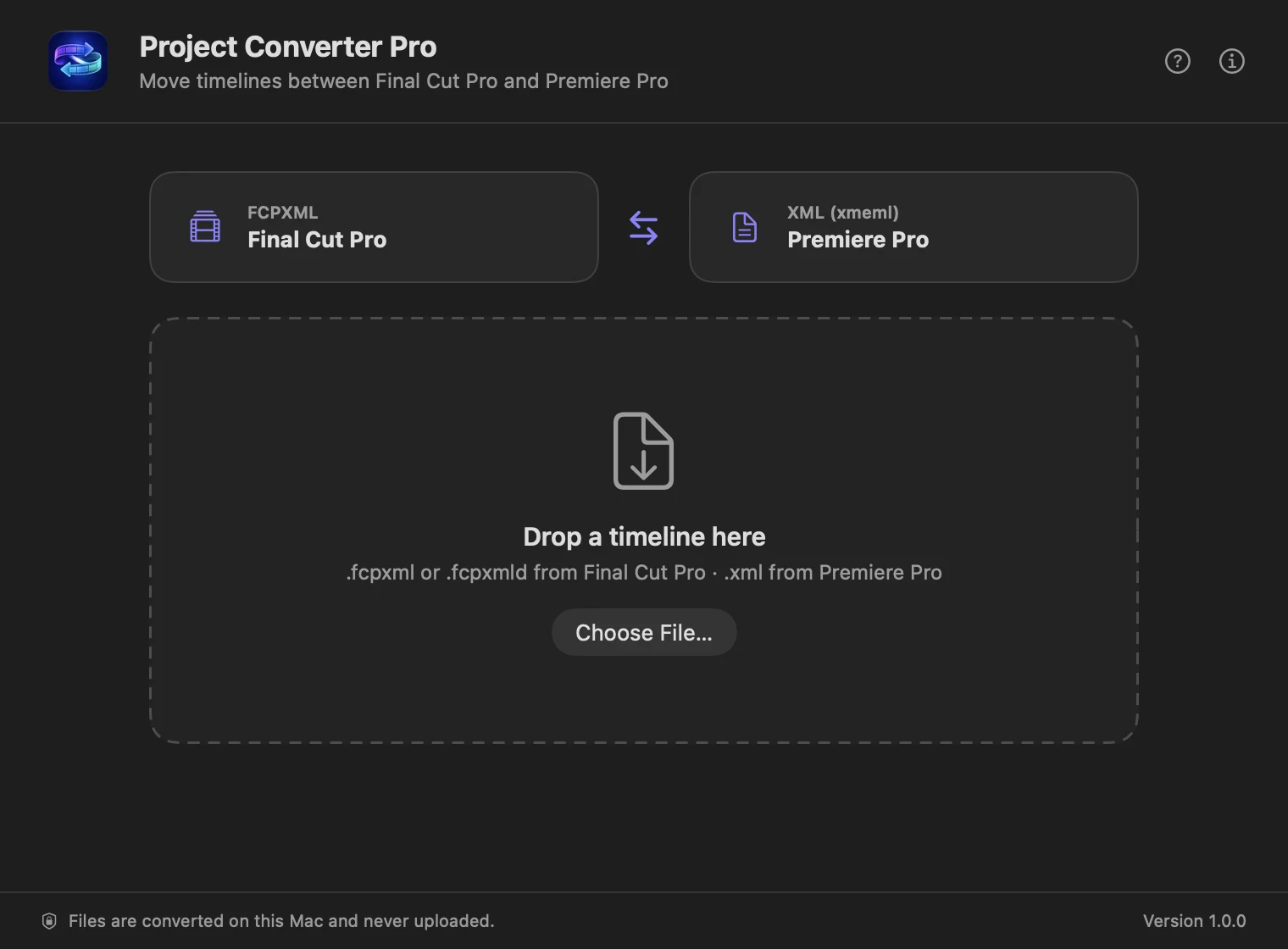
Drop a timeline, choose where to save, and open your edit in the other app. Everything runs on your Mac, and nothing is uploaded.
Reads .fcpxml .fcpxmld .fcpproj and Premiere Pro .xml · macOS 14+ · Apple silicon & Intel
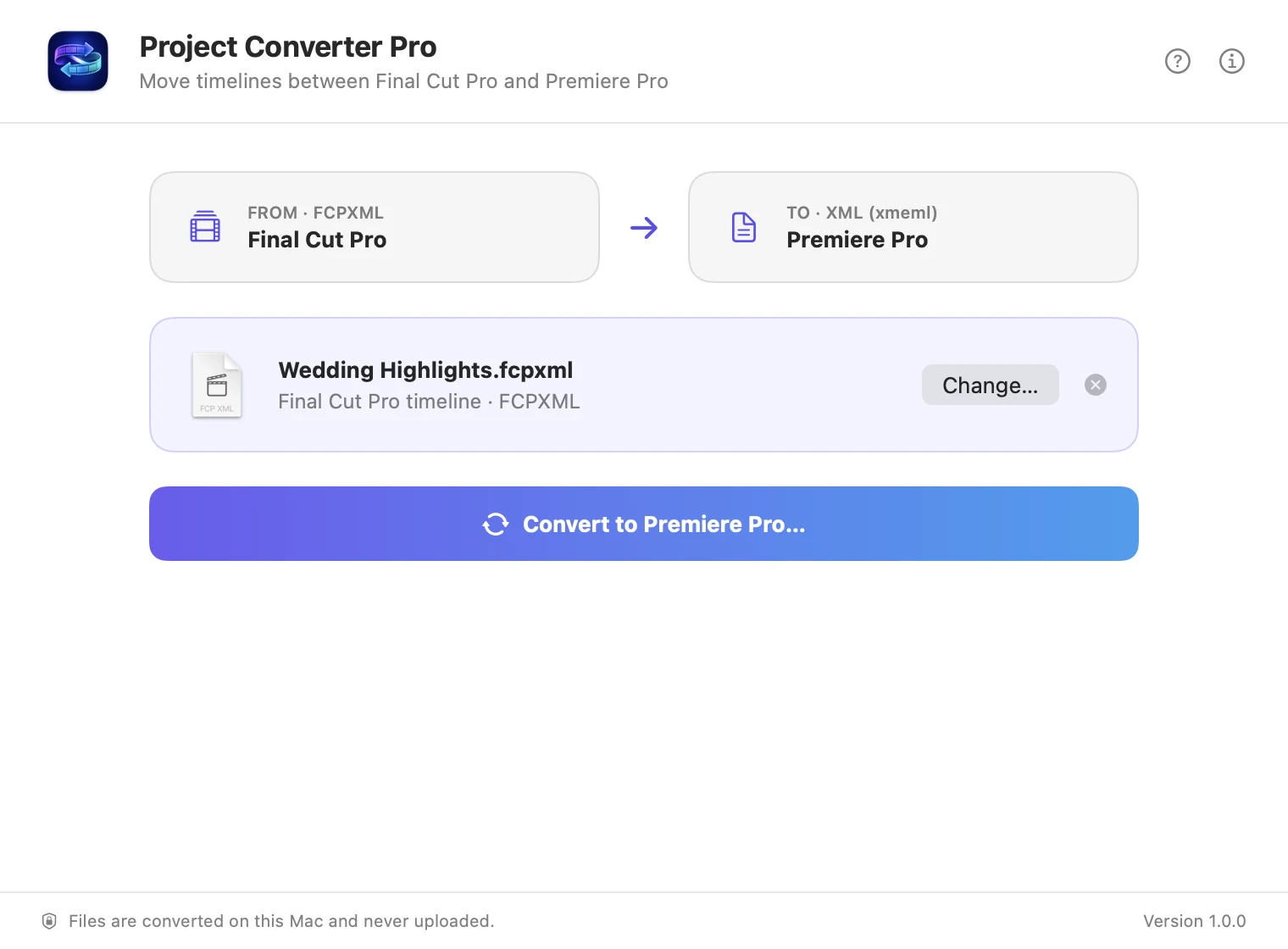
Client wants a Premiere Pro project? Collaborator cuts in Final Cut Pro? Move the edit, not the media.
FCPXML to Premiere Pro XML, and Premiere Pro XML back to an FCPXML bundle, in a single app.
It reads the file to tell a Final Cut Pro timeline from a Premiere Pro one. No modes, no menus, no settings.
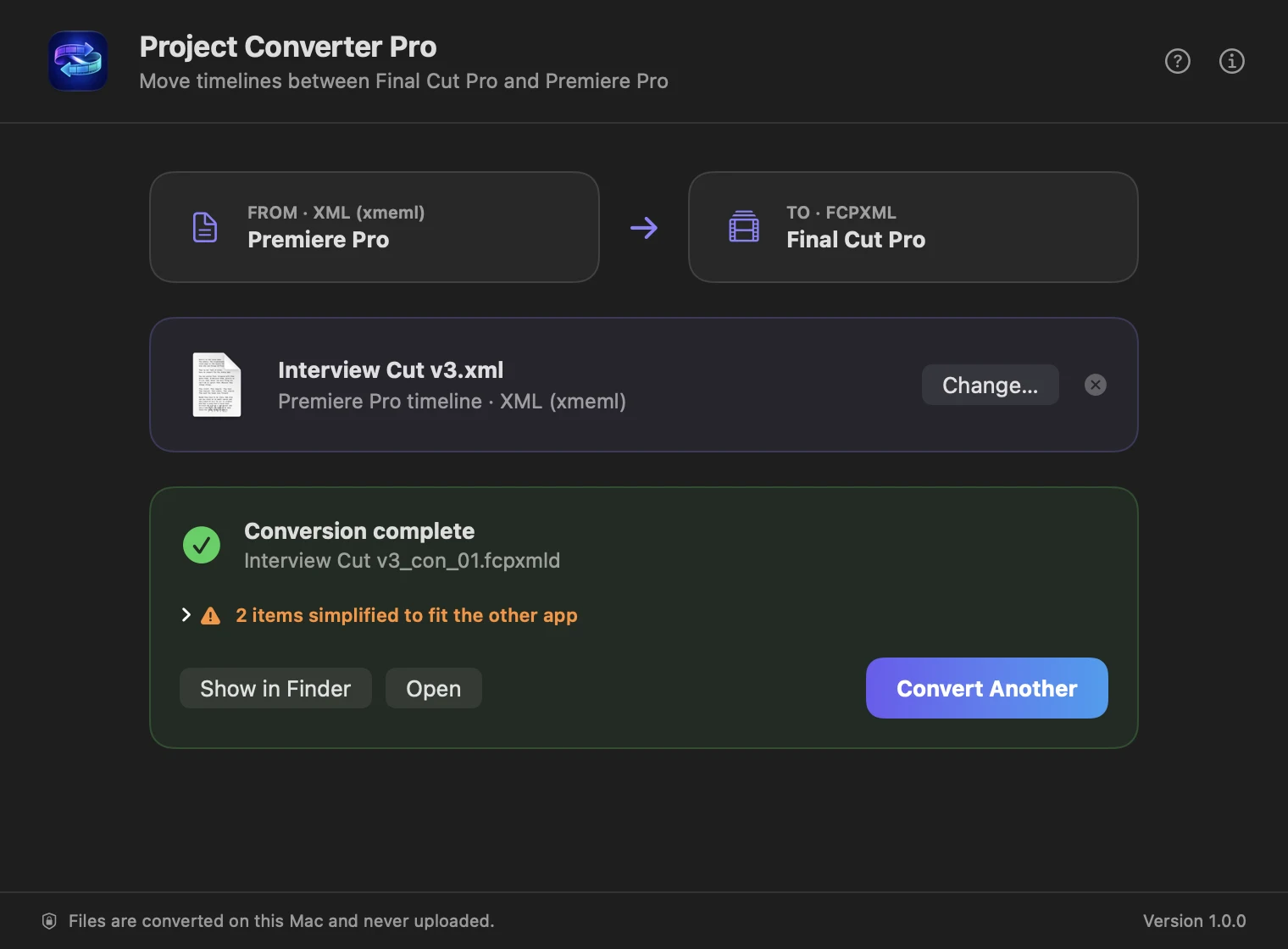
The two apps don't support the same features. When something has to be simplified, the app lists it, so you don't have to discover it in the edit.
No accounts, no analytics, no network access. Your projects never leave your Mac.
A sandboxed SwiftUI app for Apple silicon and Intel. Conversions run in the background, so the window never freezes.
Drag and drop, open from Finder, light and dark mode, and a built-in guide for first-time use.
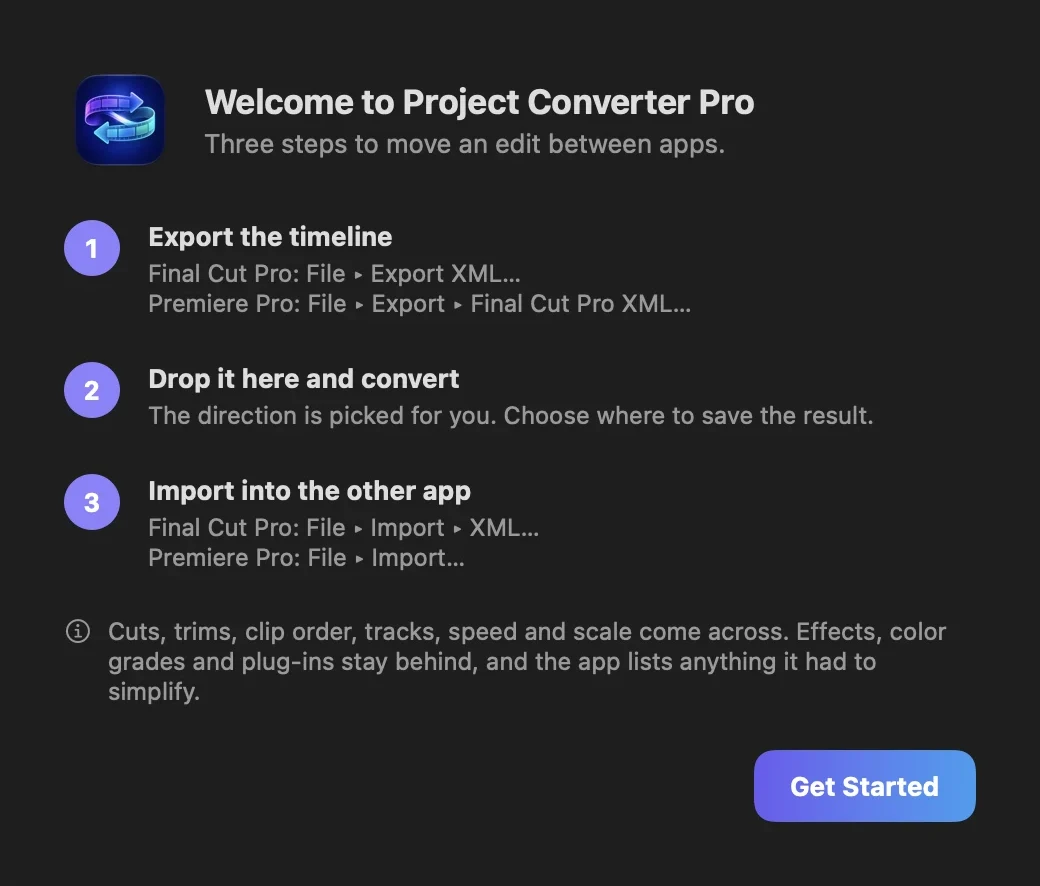
Export, convert, import. The app walks you through it the first time.
Save your edit as XML from the app you're in.
Project Converter Pro works out the direction. Choose where to save the result.
Open the converted file and relink media if prompted.
Timelines move as cut lists: what plays, when, and on which track. Looks and plug-ins are specific to each app, so those stay behind, and the app tells you which ones.
No. It converts the timeline only. The converted file points at the same media on your disk, so keep your media where it is or relink it in the target app.
Final Cut Pro .fcpxml and .fcpxmld exports, and Premiere Pro XML (the "Final Cut Pro XML" export, also called xmeml). Final Cut Pro project packages (.fcpproj, including projects from Final Cut Pro for iPad) open directly, no export needed. A full Final Cut Pro library still needs File ▸ Export XML… first.
Never. The app has no network access at all. Conversion happens on your Mac, inside the macOS App Sandbox, and it can only touch files you choose.
Final Cut Pro and Premiere Pro describe effects in incompatible ways, so effects aren't converted. Transitions aren't carried across either: they become straight cuts. The app lists every change after the conversion.
Not to convert. You need the app you're exporting from to make the XML, and the app you're moving to to open the result.
A Mac with macOS 14 Sonoma or later, Apple silicon or Intel.
Project Converter Pro is available now on the Mac App Store.